troopio Cloud Built in
No need to leave a computer running at home.
Your employees work in an isolated space of your own, on our servers in Europe, even when your computer is switched off. They wake up when there is work to do, then go back to sleep. You stay in control: approvals, log, reports.
Included in every plan · In Europe · Status as of 27.09.2026
What changes
The same employee. It no longer stops when you close the lid.
Computer off, work carries on
On your computer, your employee stops when the machine shuts down. In troopio Cloud, it works while you sleep, on holiday or on the road: schedules run on time.
In Europe, one space per customer
A container and a disk of your own, never shared with another customer, on servers with encrypted disks. The same safety floor, the same approvals, the same log.
We run the servers
Servers, updates, waking up and going to sleep: that’s our job now, not yours. You keep the Control Centre, the approvals and the reports.
How it works
One setting, one go-ahead, and your team works without waiting for you.
The first start-up takes a few minutes. After that, your employees sleep when there is nothing to do and wake up as soon as there is work.
- Step 1
Choose “In the troopio cloud”
In Your account, under “Where your employees work”. A simple setting: for the cloud, there is nothing to install on your computer.
- Step 2
Accept the Autonomous level
In the cloud, your employees move forward on their own, in the background. Sending, paying, deleting outside their space or publishing always goes through you: this framework cannot be switched off.
- Step 3
They wake up when there is work
A task, a message from the Control Centre or a schedule: your employee wakes up in under a minute, works, then goes back to sleep. Even with your computer off.
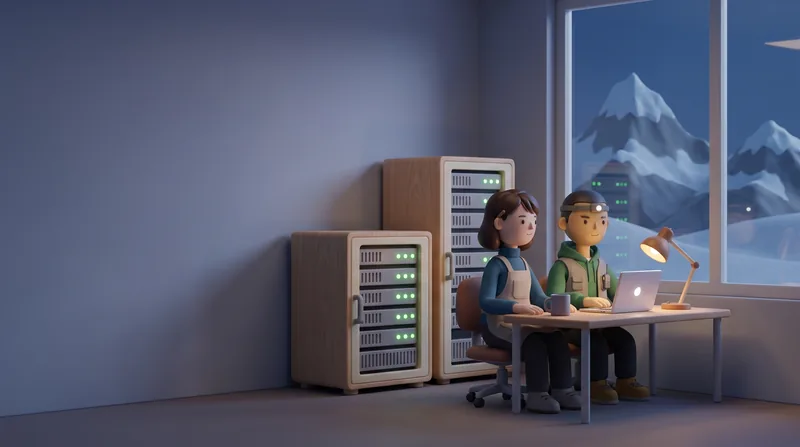
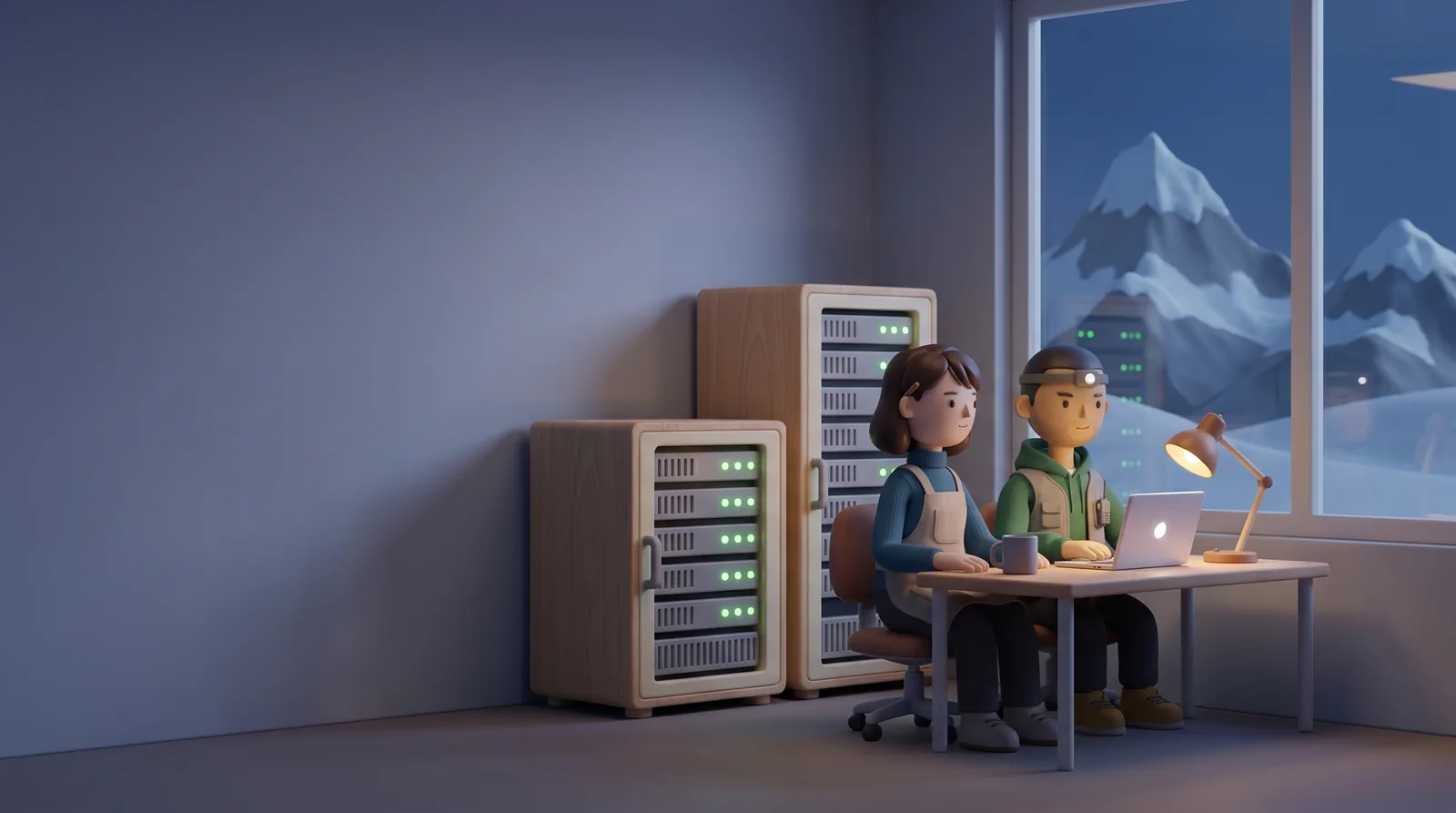
Your employees work while you sleep. 
Computer off, work carries on.
Where your employees work
Three choices, one setting. Change whenever you like.
In Your account or in the Control Centre Settings. We tell the truth, including when it is “not yet”.
- Available
On my computer
Your employees work on your computer, when it is switched on. They access your folders and applications; your files stay with you.
- Built in
In the troopio cloud
Your employees work in your isolated space, even with your computer off. They have no access to the files on your computer, and the cloud has its own desk: the team installed on your computer doesn’t move.
- Soon
Both
The cloud works around the clock; your computer, when it is on, handles your files and applications. Reserved for the Équipe and Manufacture plans.
- The same safety floor as on your computer
- Approvals and log unchanged
- Move back to your computer at any time: the cloud space is kept for 30 days, then erased
Questions
What people ask us about the cloud.
Short answers. The list of sub-processors is in the privacy policy (in French).
How do I move to the cloud?
In Your account, under “Where your employees work”, choose “In the troopio cloud” and accept the Autonomous level. The first start-up takes a few minutes; after that, your employees usually wake up in under a minute.
Where is my data hosted?
In Europe, in an isolated space reserved for you: a container and a disk of your own, never shared with another customer, on servers with encrypted disks. The hosting provider is named in the privacy policy. troopio is a Swiss company; hosting in Switzerland is not offered yet.
Does it change the price?
No: troopio Cloud is included in every plan. What changes from plan to plan is the number of tasks running at the same time in the cloud: one with Solo, two with Équipe, four with Manufacture.
Can my employees see the files on my computer?
Not in the cloud: there, they work in their own space. For your files and applications, keep “On my computer”. The “Both” mode, which combines the two, is coming soon for the Équipe and Manufacture plans.
What if I’d rather keep everything on my side?
Then you keep everything on your side. troopio Cloud is a choice, never an obligation: installing on your computer remains the basis of the product. If you move back to your computer, your cloud space is kept for 30 days, then erased.
Your employees, even with your computer off. From today, in every plan.